Share what you choose
- Share any folder from your phone or SD card
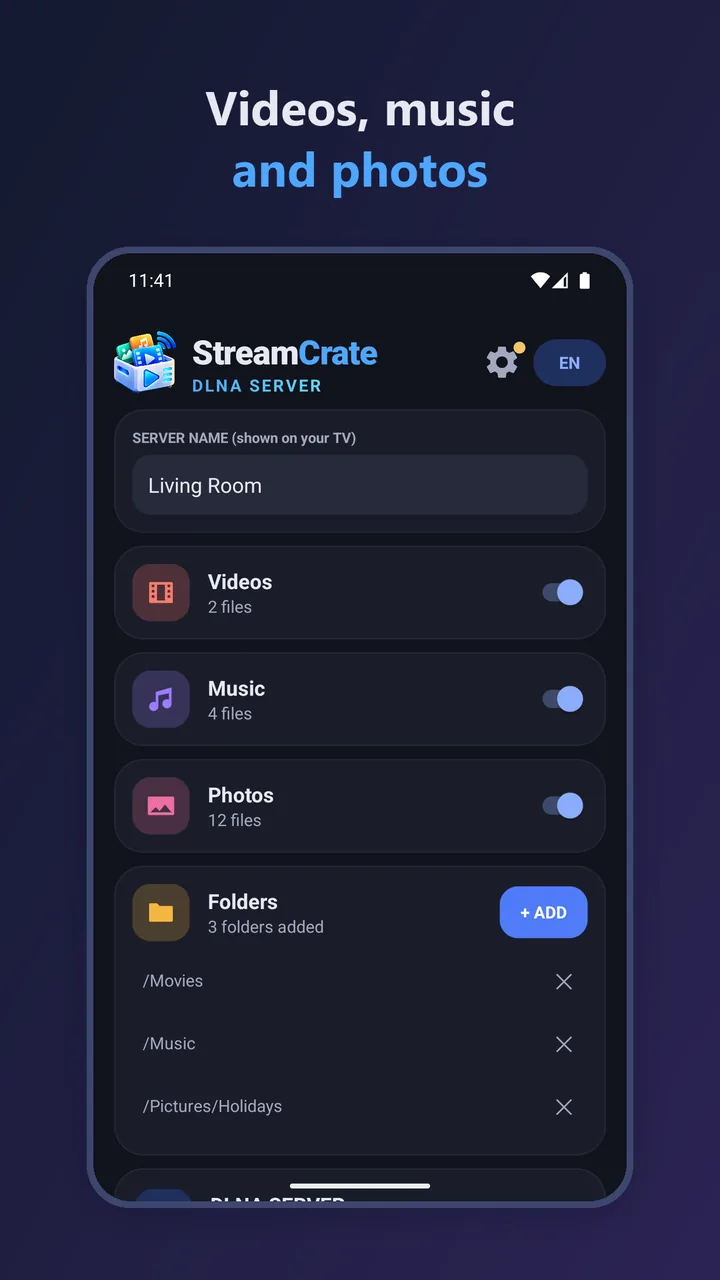
- Separate Video, Music and Photos sections
- Plain folder browsing too
StreamCrate turns your phone into a DLNA media server. Pick the folders you want to share and play them on your smart TV, game console or computer over your home Wi‑Fi – no cables, no cloud, no account.
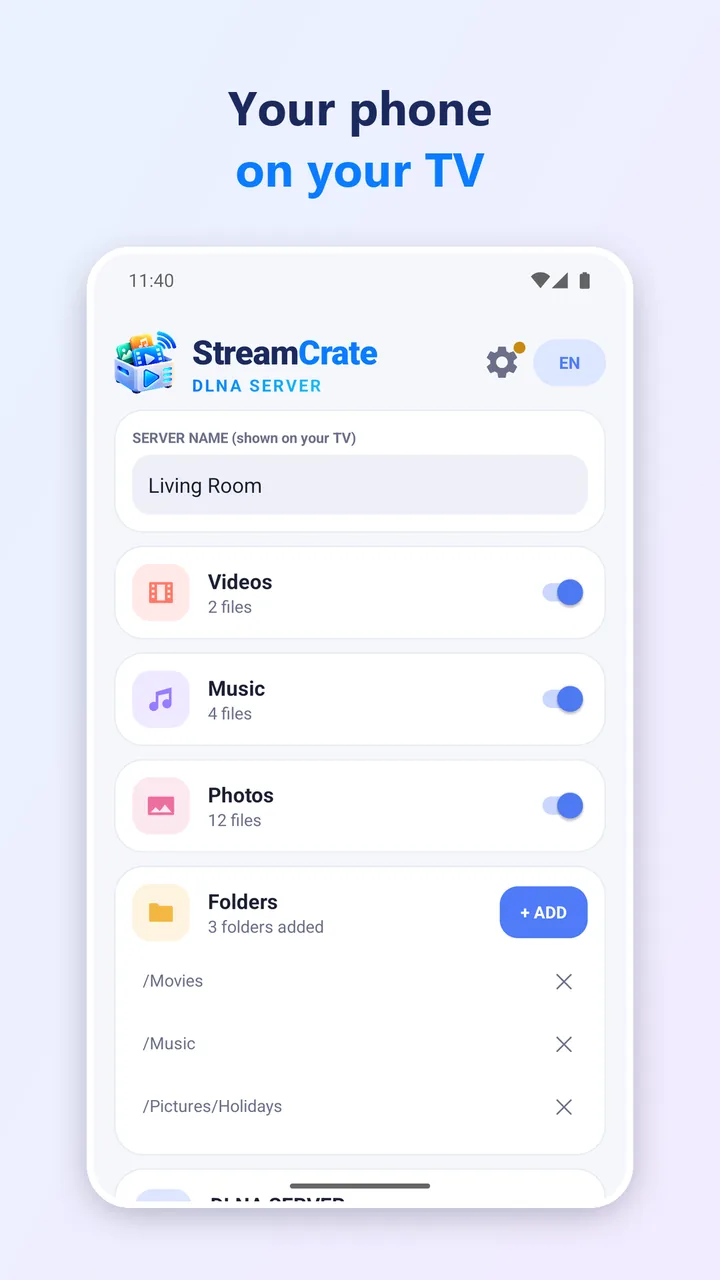
Choose any folder from your phone or SD card. Nothing is shared until you add one yourself.
Your phone becomes a media source on your home Wi‑Fi.
Your TV finds your phone. Files appear sorted into Video, Music and Photos – just like on a USB stick.
Cast your holiday photos to the big screen, play your music collection through the living room speakers, or watch downloaded films on your TV – simply and privately.
StreamCrate sends files to your TV exactly as they are, without converting them, so your TV must support the format. If a video plays from a USB stick on your TV, it will play through StreamCrate too. Your phone and TV need to be on the same Wi‑Fi network.
StreamCrate is free and supported by ads: at most one short ad per session, shown after you start the server – never while you watch.
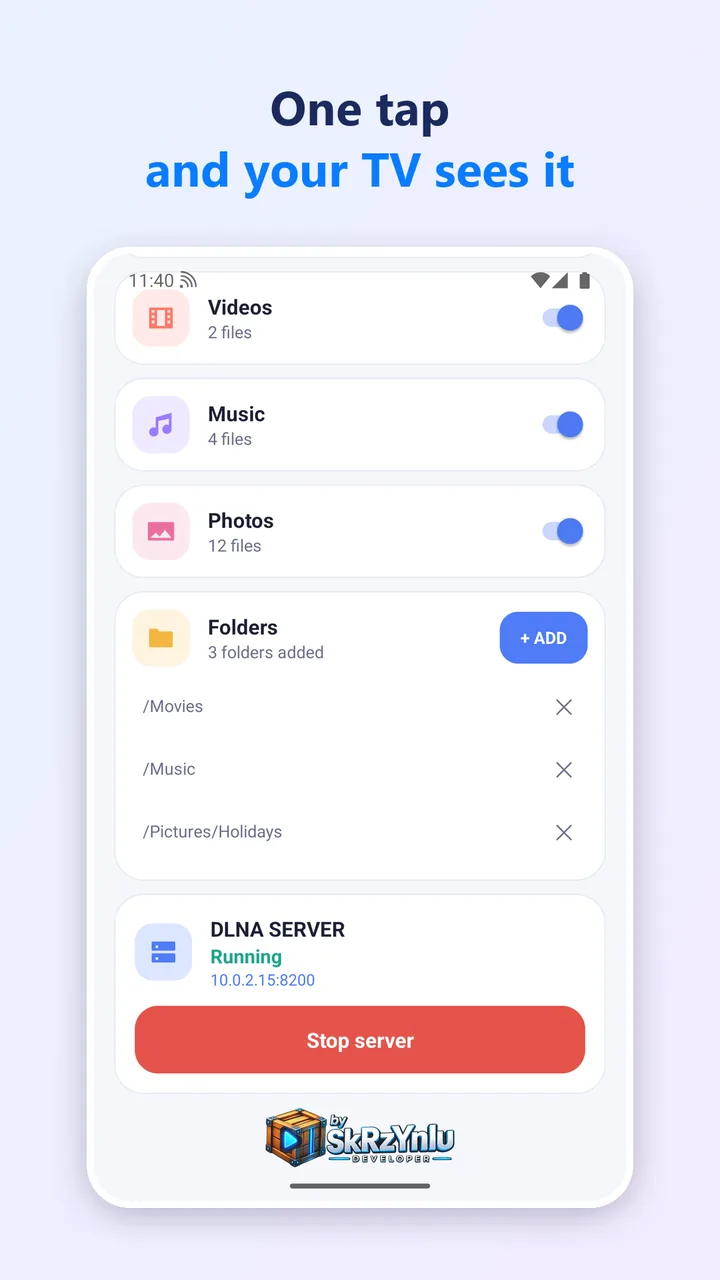
StreamCrate works with DLNA and UPnP devices: Samsung, LG, Sony and Philips smart TVs, PlayStation, Xbox, Kodi, VLC and media players. Your TV finds your phone as a media source.
StreamCrate sends files exactly as they are, without converting them, so your TV must support the format. If a video plays from a USB stick on your TV, it will play through StreamCrate too.
Yes. Your phone and TV need to be on the same Wi‑Fi network. StreamCrate automatically recovers when your Wi‑Fi changes.
No. Nothing is shared until you add a folder yourself. Files stream directly from your phone to your TV and never leave your home network. No sign-in and no cloud upload.
Yes. It is free and supported by ads: at most one short ad per session, shown after you start the server – never while you watch.
Your videos, music and photos on the big screen – no cables, no cloud, no account.